
Z7 AI Academy showcase AI for everyday work.
Choose a course built around the decisions you make in a government office or a school. Practice drafting with AI, checking the result against a source and deciding what needs a human review.
- Two courses
- 33 lessons each
- Downloadable workbook
- Learner sign-in
From catalog to learner portal
What a learner does at the Academy, with screenshots from its public catalog.
- 01
Browse the catalog
The catalog lists two courses: AI for State and Local Government and AI for Education. Each card says what you will be able to do and links to the course outline.
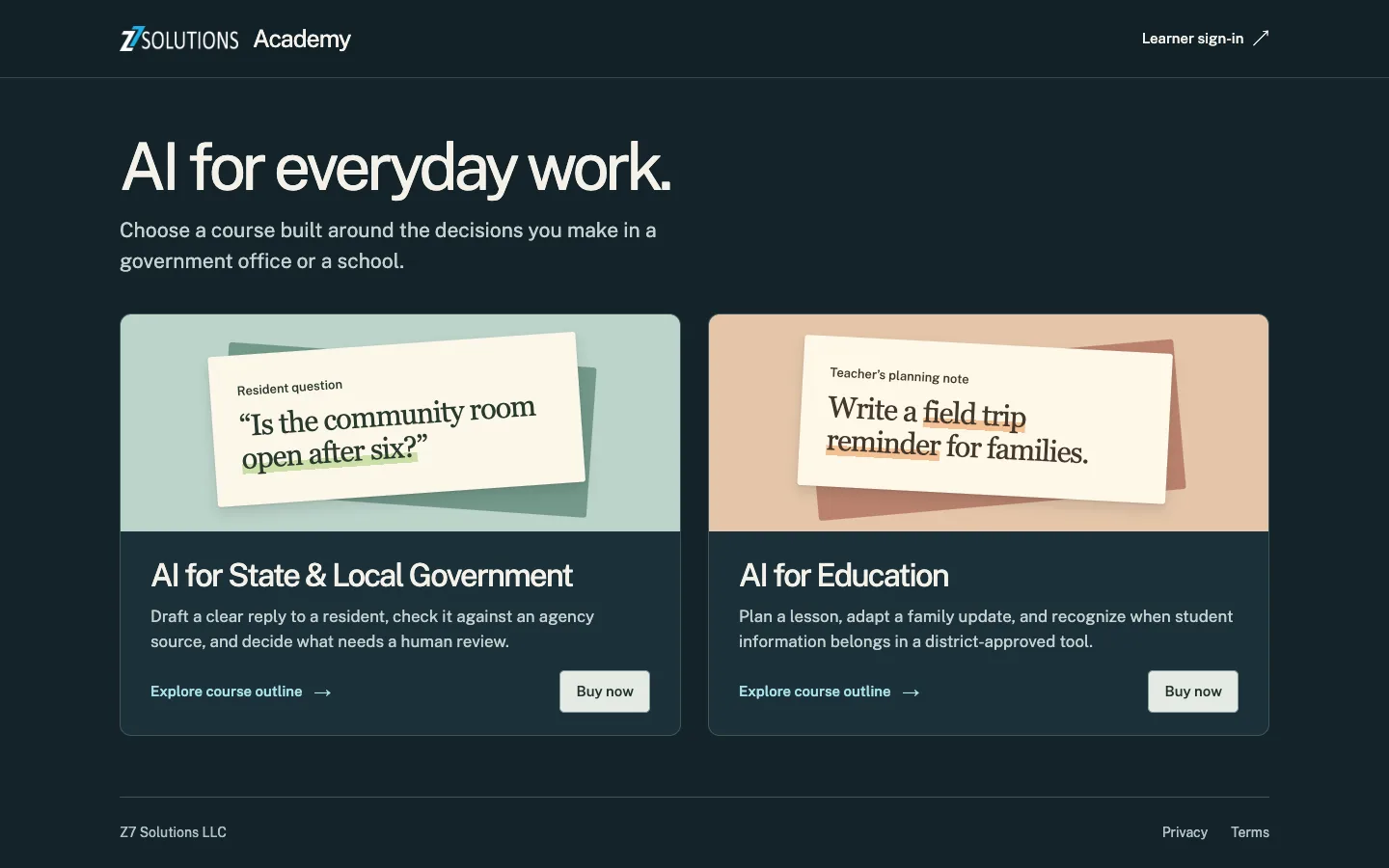
The Academy catalog. - 02
Read the course outline
The outline shows how many lessons the course has, what you will practice and a scenario to try. For the government course, you check an AI-generated answer against an agency source, choose an approved tool for a request that includes sensitive information, and plan a public records response with a human review step.
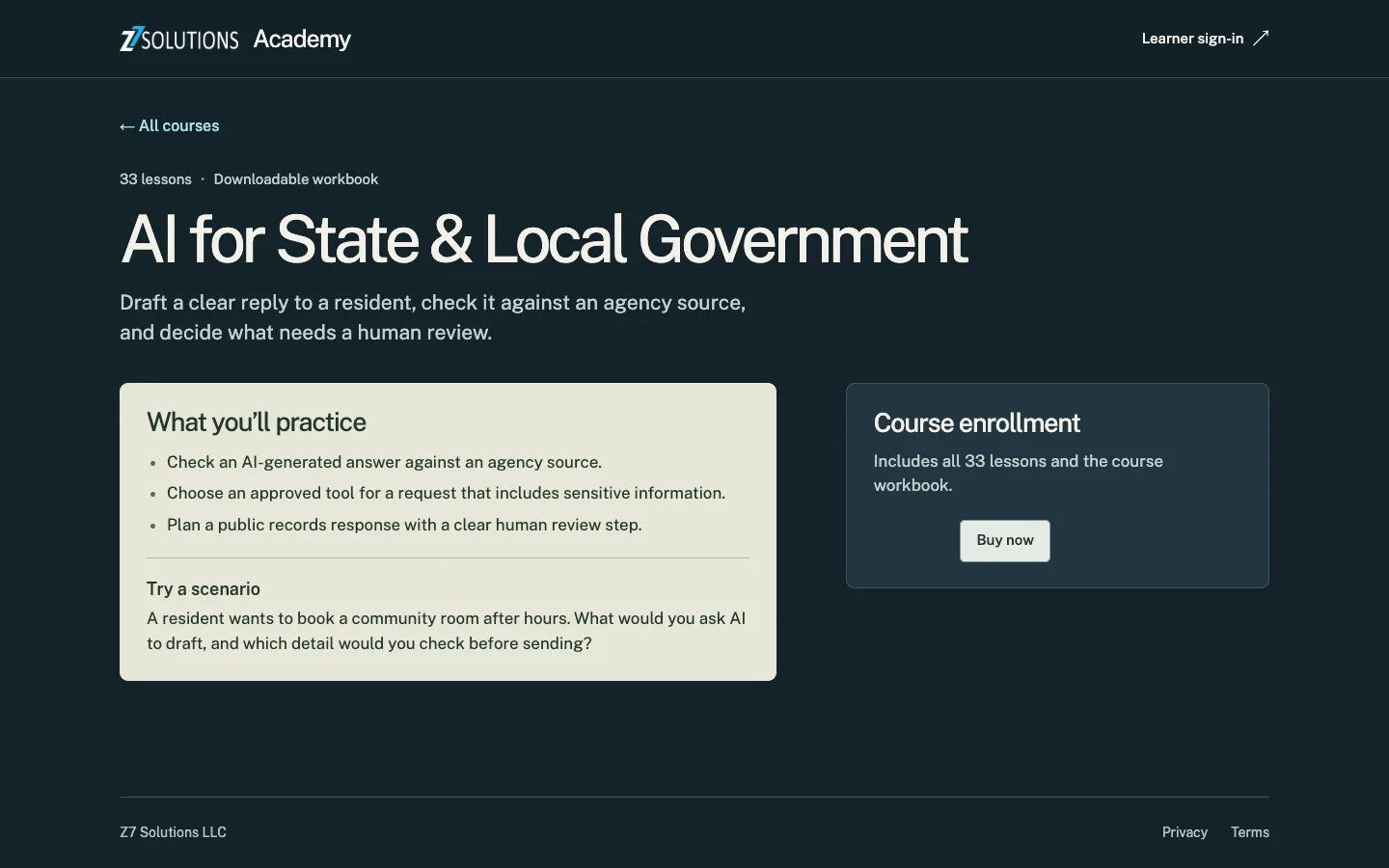
A course outline. - 03
Enroll
Buy now opens the purchase page on the Academy site. Review and accept the Academy use and monitoring notice, then continue to Stripe Checkout. Course access appears in your learner account after payment is verified. Checkout is not shown here.
- 04
Sign in and learn
Open Learner sign-in and use the email you used for enrollment to continue your course. Each course includes all 33 lessons and the course workbook. The learner portal is private, so it is not shown here.
Who the Academy is for
The two courses are written for the people who will use AI in their daily work.
- State and local government staff who answer residents, work from agency sources and handle public records.
- Educators who plan lessons and family communications and handle student information.
- Staff who need to know which AI tool is approved for a request that includes sensitive information.
- Leaders who want their teams to review AI output before it is used.
What you get
What each course enrollment includes.
-
33 lessons
Every course has all 33 lessons.
-
Course workbook
A downloadable workbook comes with each course.
-
Practice for the job
Check AI output against a source, choose an approved tool, and plan a communication or response with a human review step.
-
A scenario to try
Each outline starts with a realistic scenario: a resident question or a teacher's planning note.
-
Learner account
Course access appears in your learner account after payment is verified.
-
Clear ground rules
Use fictional examples in exercises, keep sensitive information out of prompts and review AI output before using it.
How the Academy fits Z7 services
The Academy teaches staff to use AI carefully. These are the Z7 pages for the AI work around it.
Academy questions
Which courses are available?
AI for State and Local Government and AI for Education. Each has 33 lessons and a downloadable workbook.
What will I practice?
In the government course you check an AI-generated answer against an agency source, choose an approved tool for a request that includes sensitive information, and plan a public records response with a human review step. In the education course you check an AI-generated lesson against a learning standard, spot student records before sharing information with an AI tool, and plan a family communication that an educator reviews before it goes out.
Where do I take the course?
At the Academy. After payment is verified, course access appears in your learner account, and Learner sign-in takes you to the portal with the email you used for enrollment.
What should I put into exercises?
Use fictional examples. Keep passwords and sensitive student, resident or client information out of prompts and uploads, and review AI output before using it in your work.
Is Academy activity recorded?
Yes. Z7 Solutions LLC logs Academy activity, including requests for course materials and lesson completions. Authorized staff may review these records to secure accounts and investigate misuse. You acknowledge this notice before you enroll.
Start with the catalog
Open the Academy to read a course outline, or contact Z7 to talk about AI training for your team.